Using Projects to organize datasets
1\. Navigate to https://scarfweb.nygen.io/eu-north-1/projects/whp58ytj
2\. Click "recent"
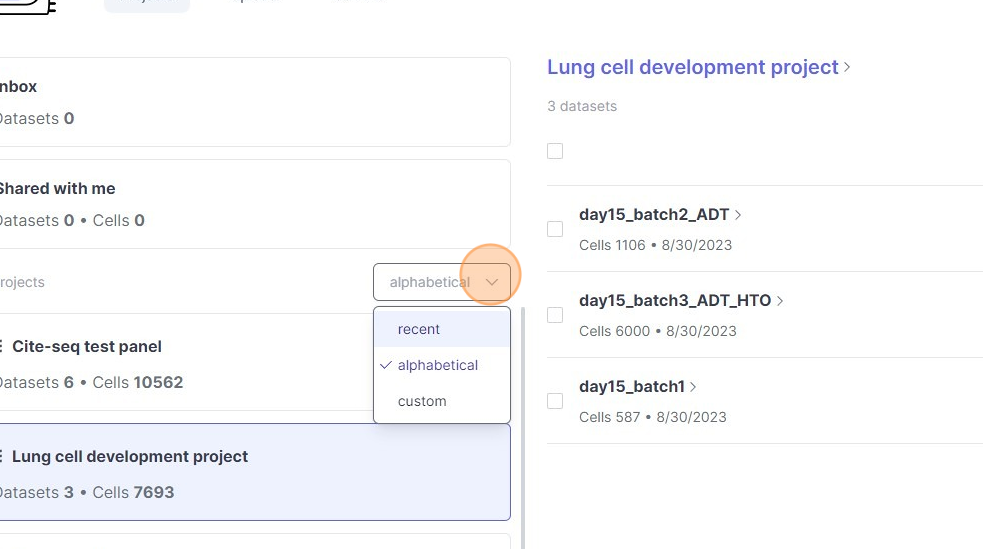
3\. Reorder projects
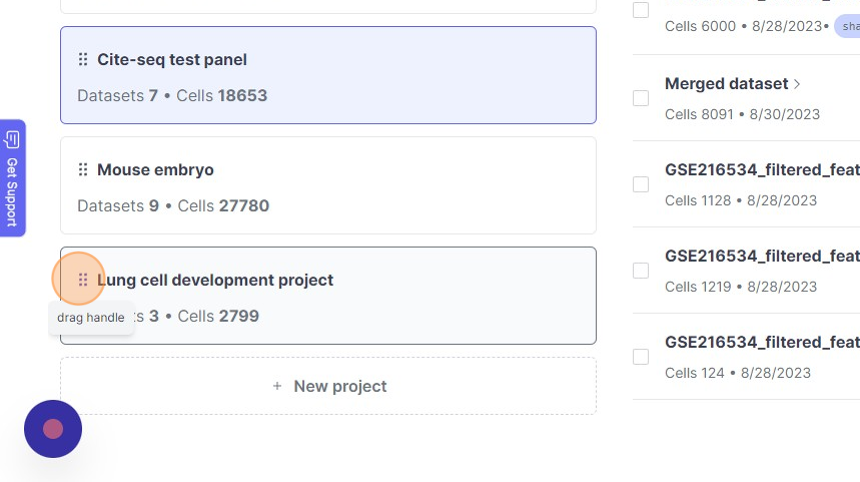
4\. Click "New project"
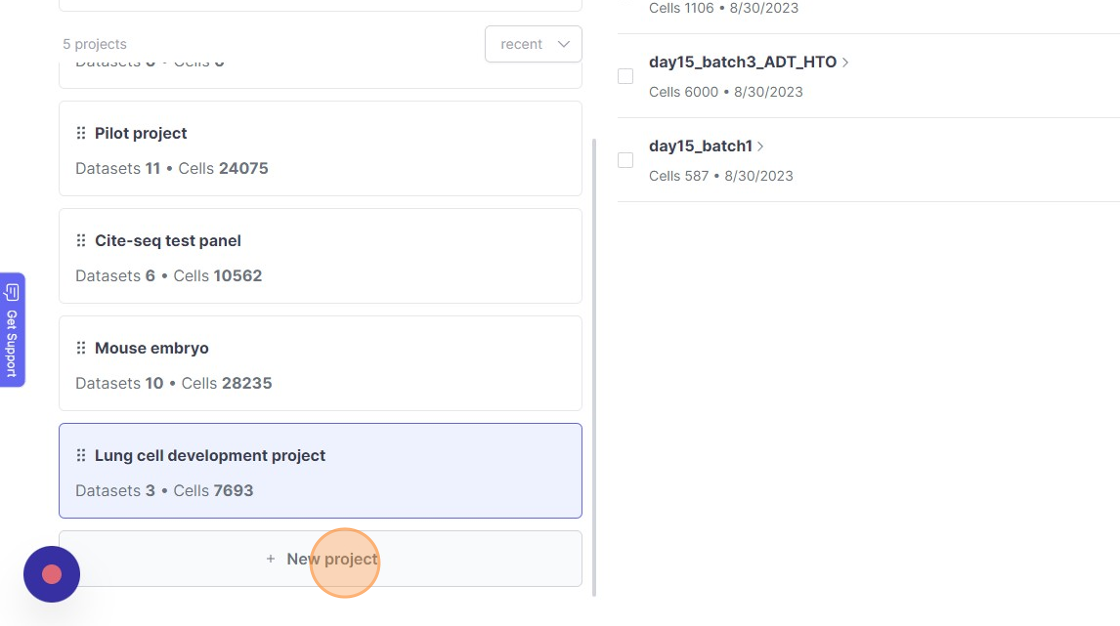
5\. Click this text field.
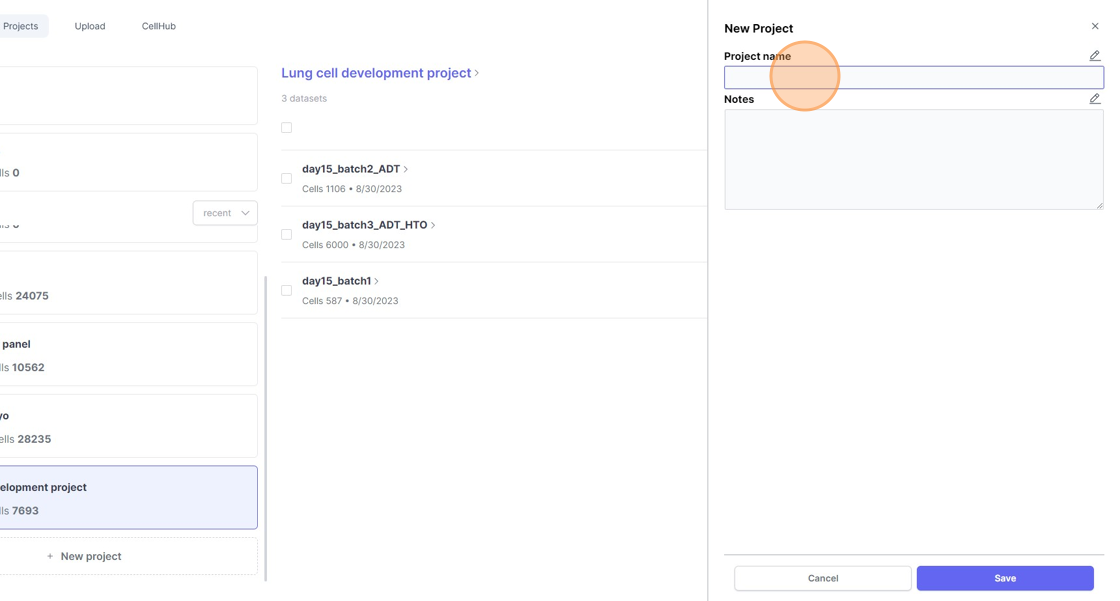
6\. Click this text field.
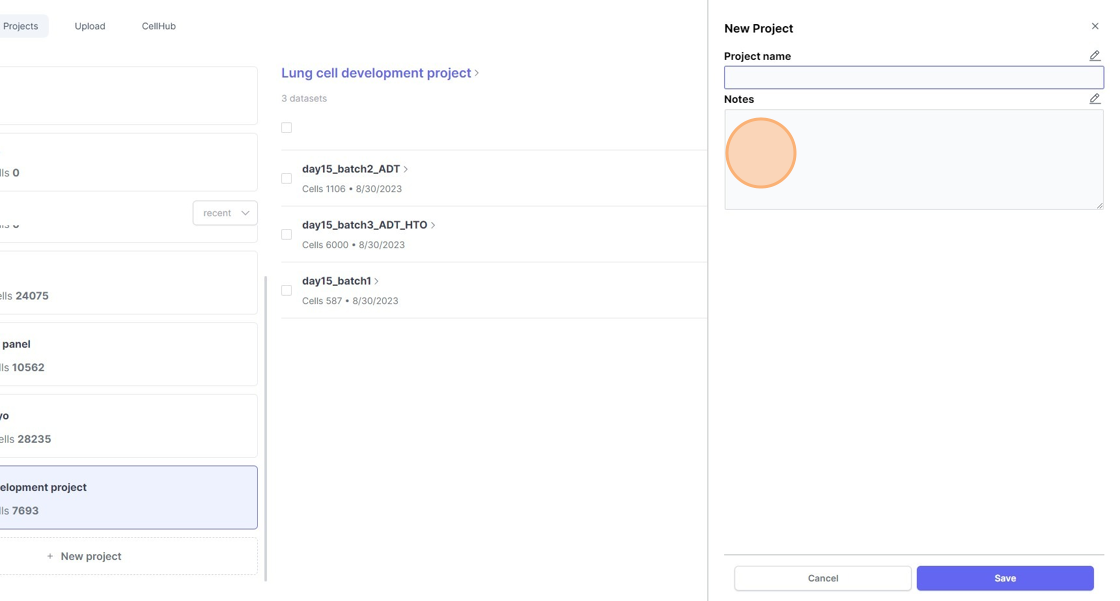
7\. Click "Save"
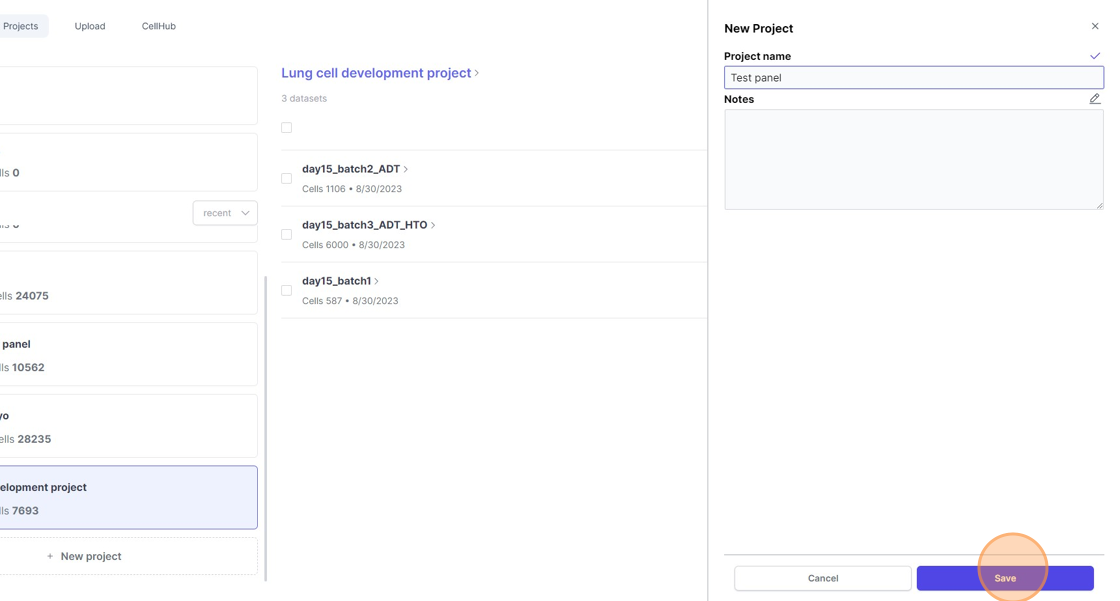
8\. Click "Test panel"
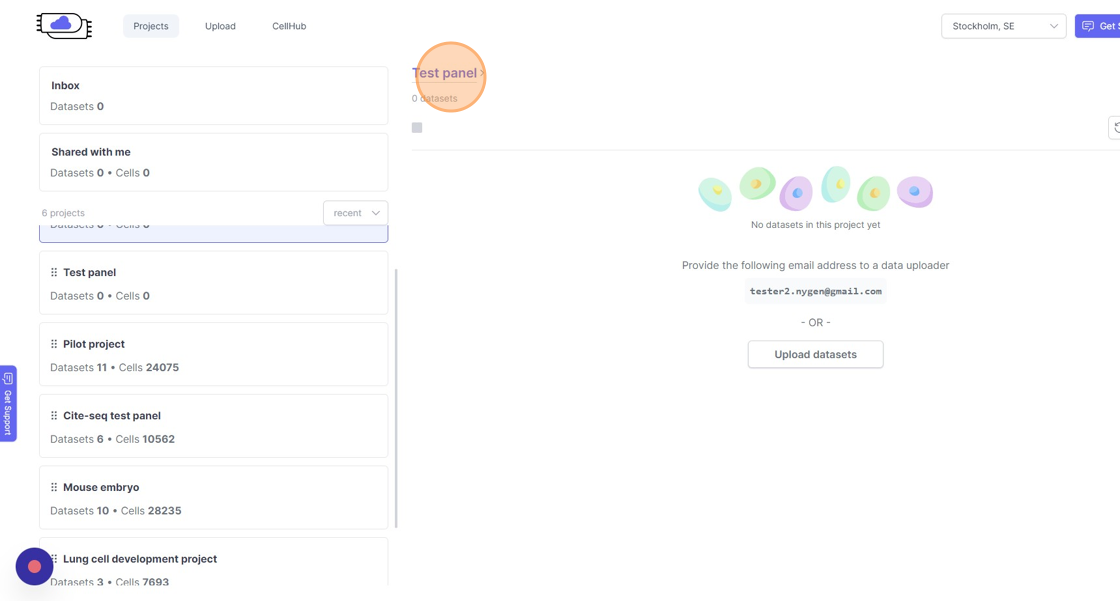
9\. Click "Delete Project"
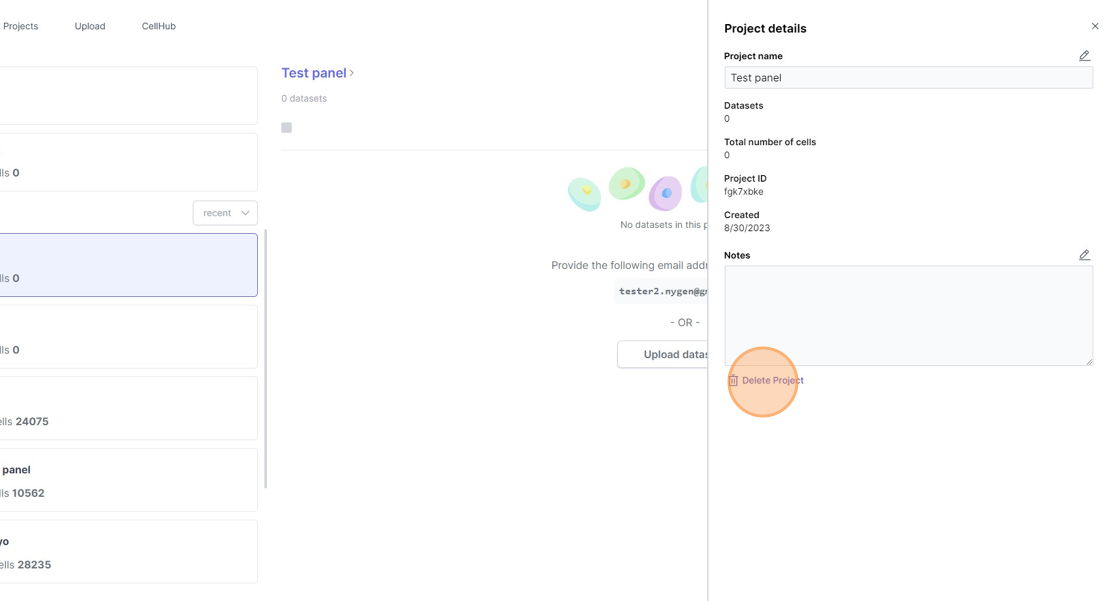
10\. Click "Delete Project"
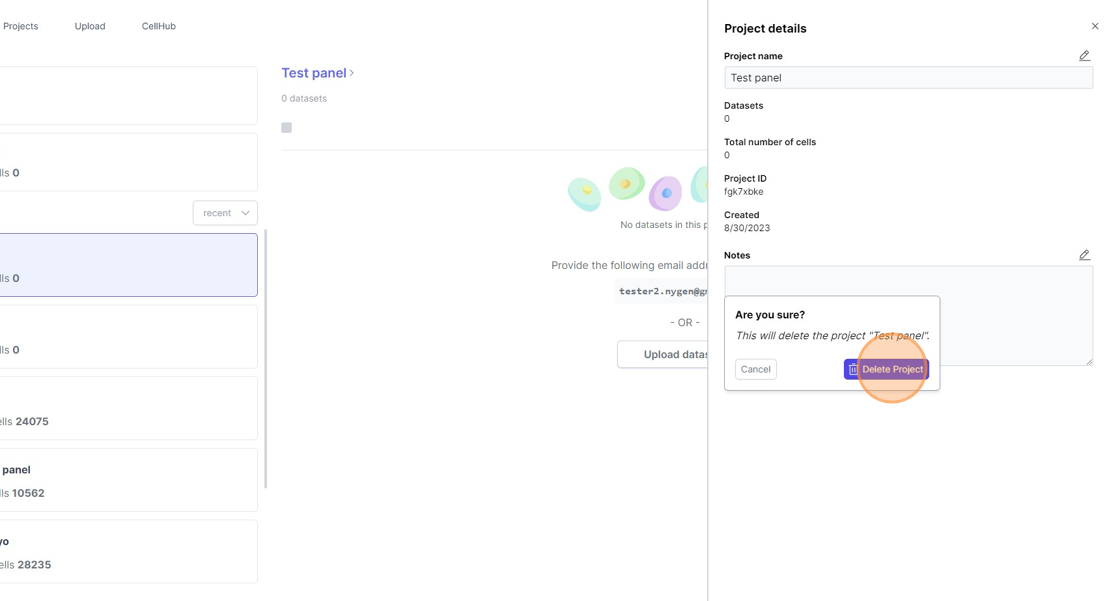
11\. Click this icon.
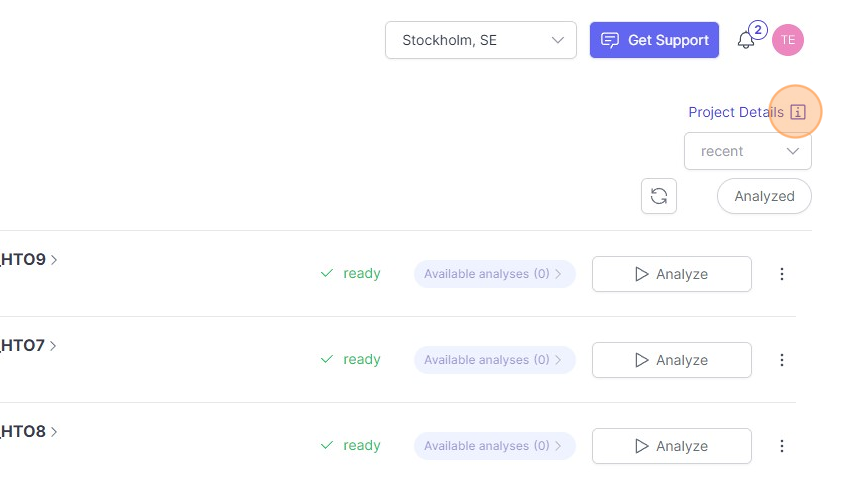
12\. Click this icon.
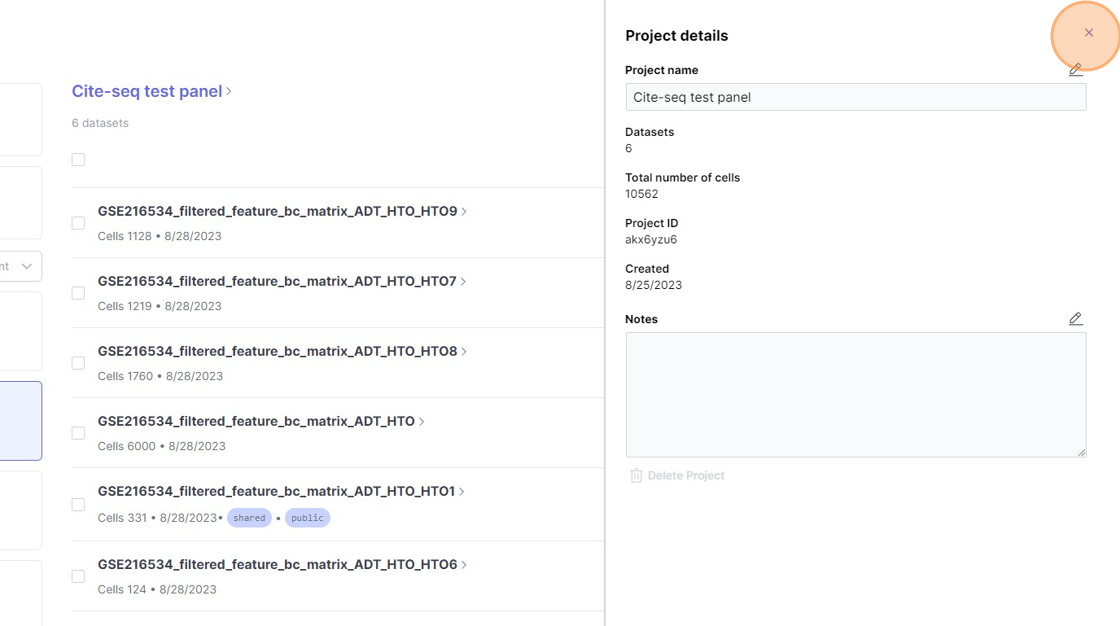
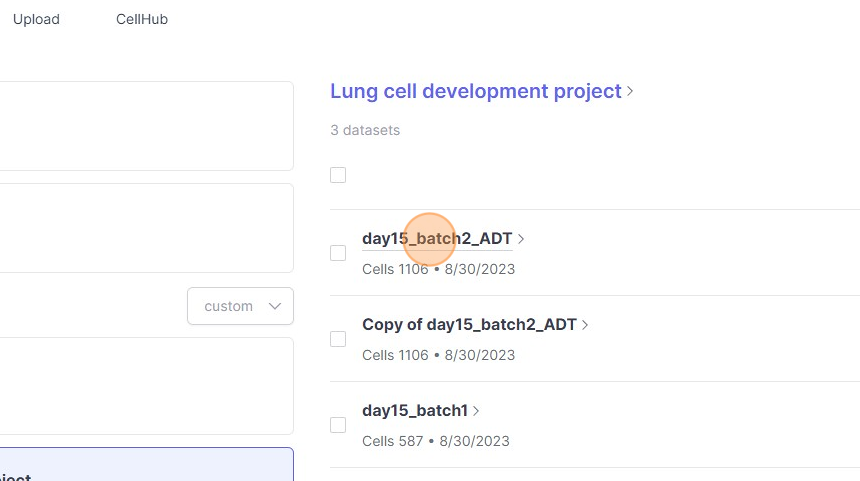
11\. Click "day15_batch2_ADT"
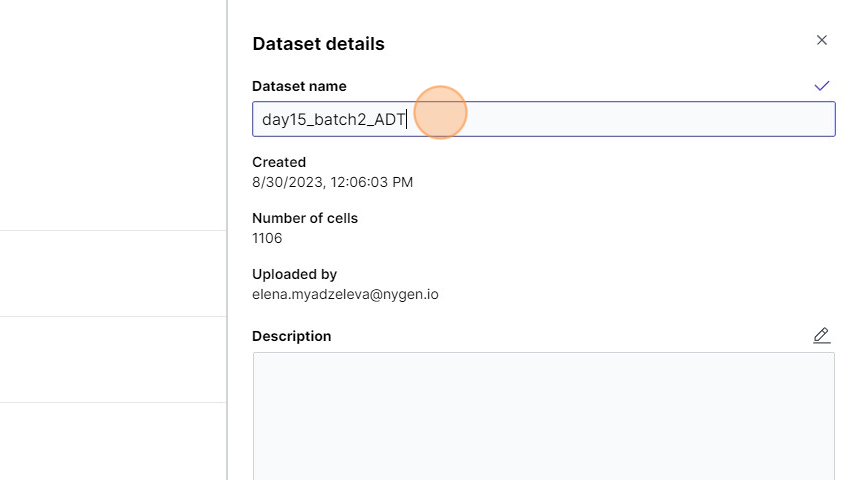
12\. Click this text field.
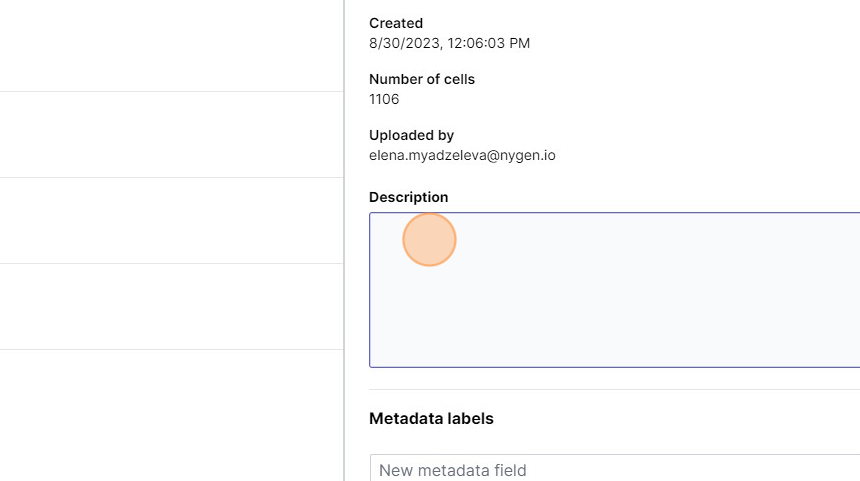
13\. Click this text field.
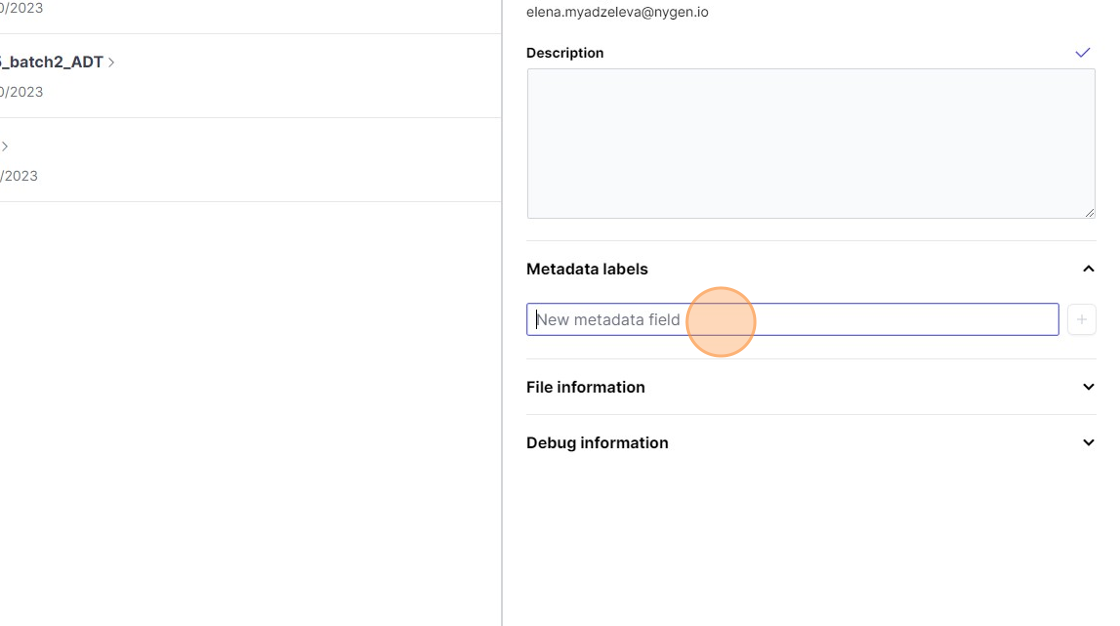
14\. Click the "New metadata field" field.
15\. Click this icon.
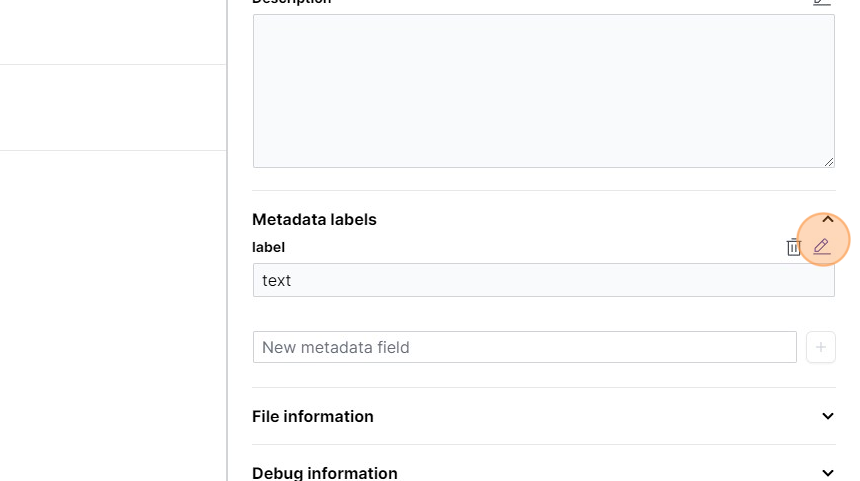
16\. Click this icon.
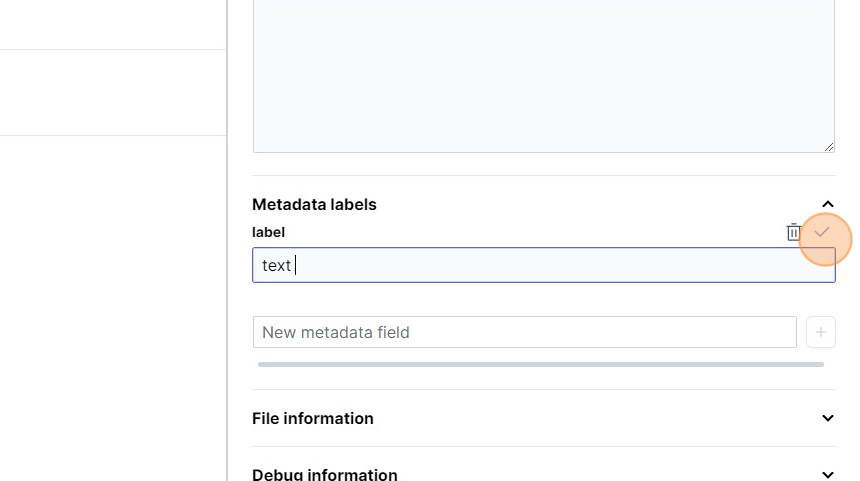
17\. Click here.
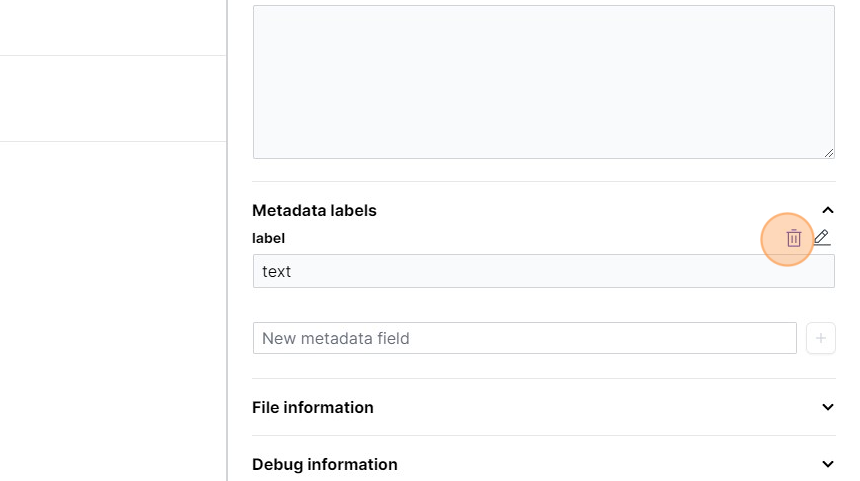
61\. Click "Analyzed"
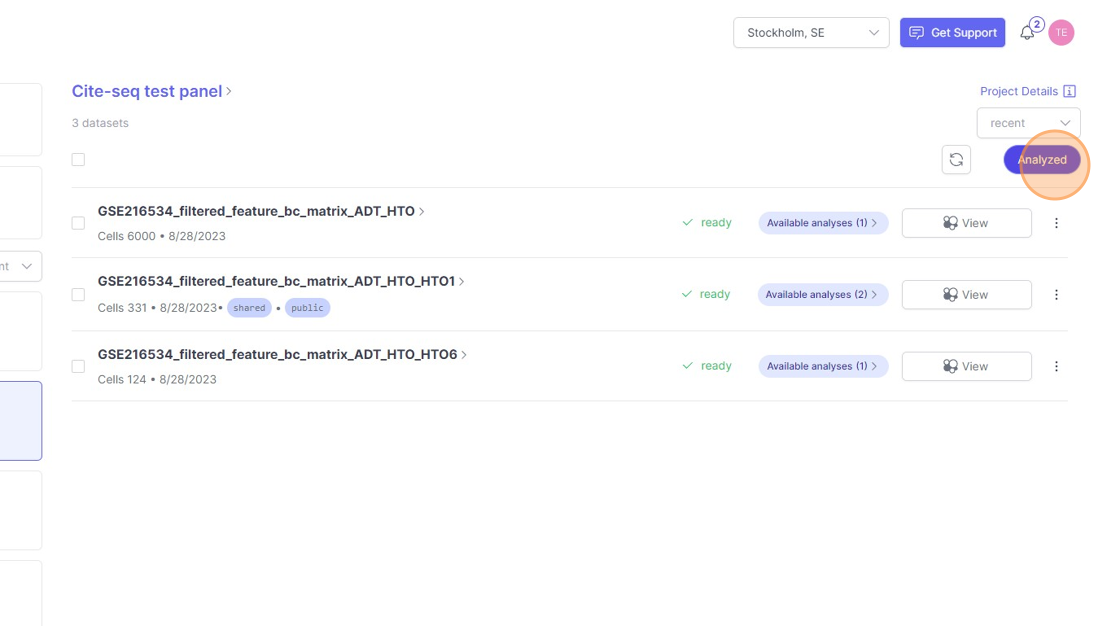
62\. Click this icon.
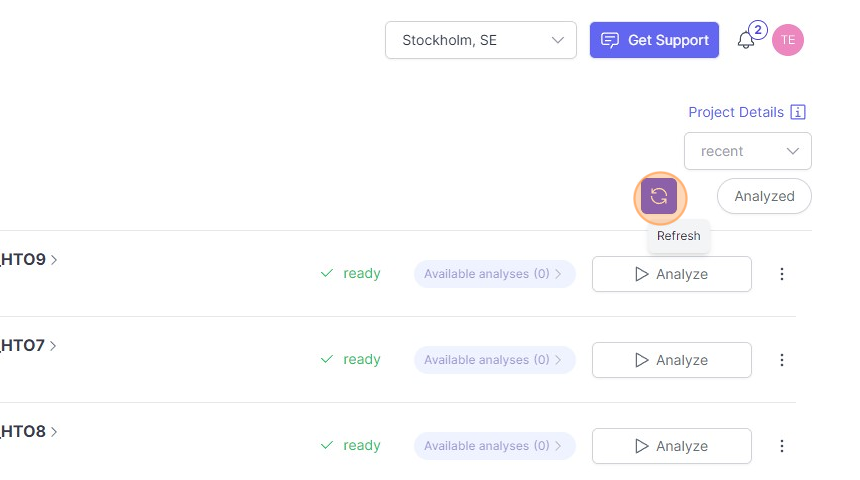
63\. Click "alphabetical"
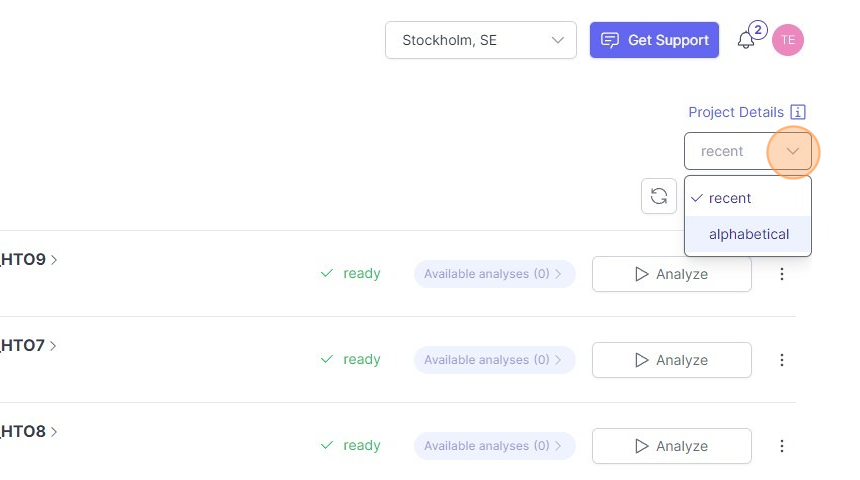
Moving and copying datasets
1\. Click this checkbox.
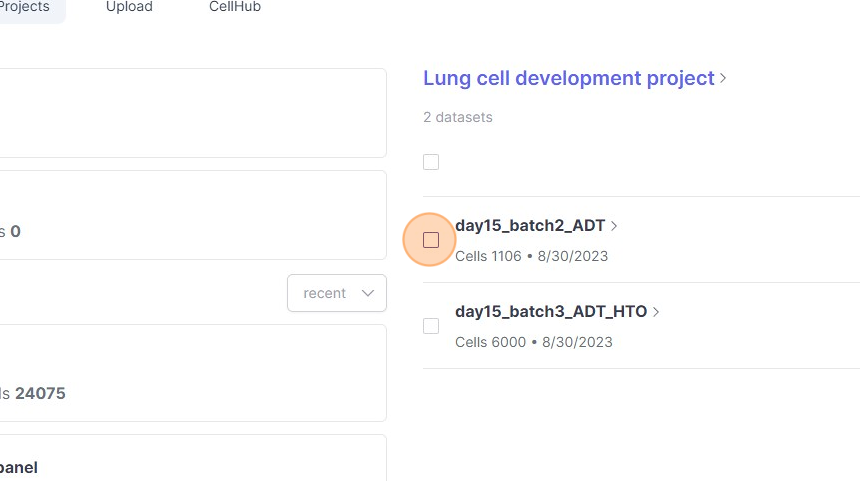
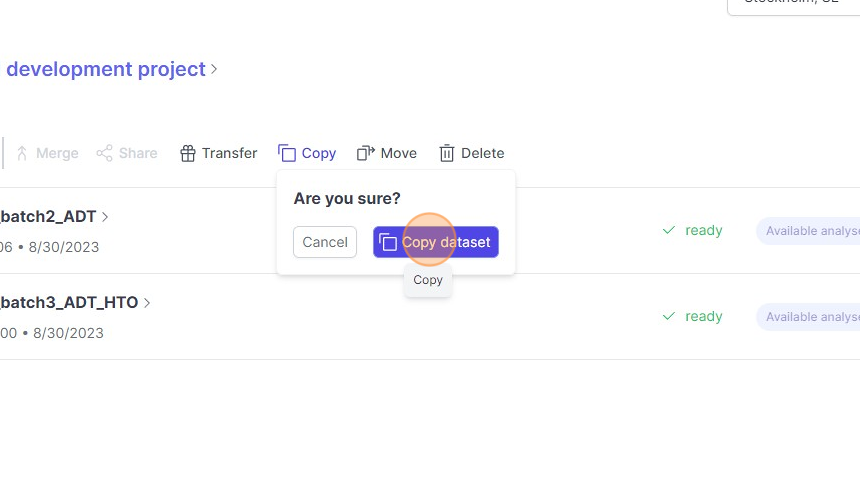
2\. Click "Copy"
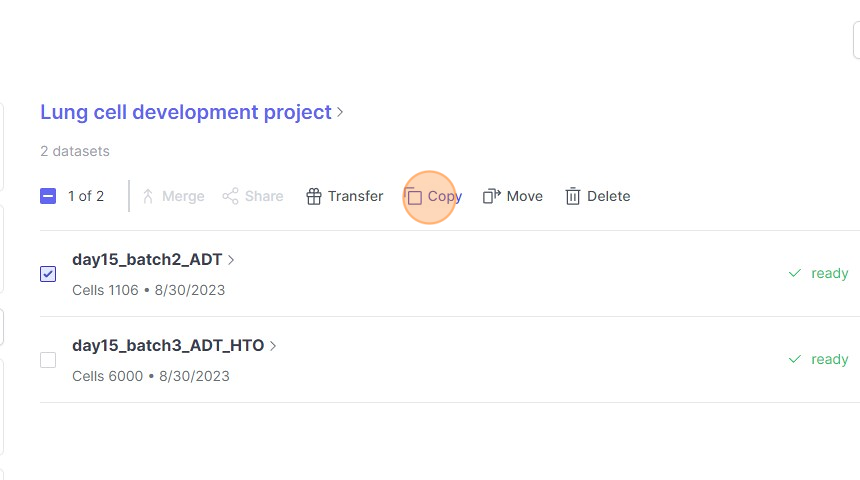
3\. Click "Copy dataset"
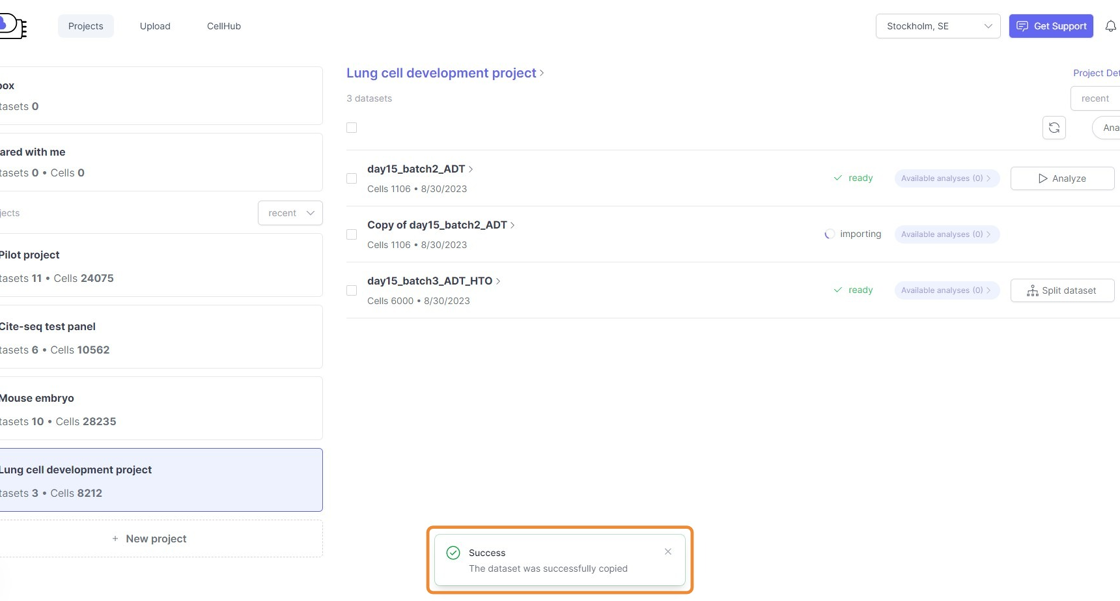
4\. Click "Success"
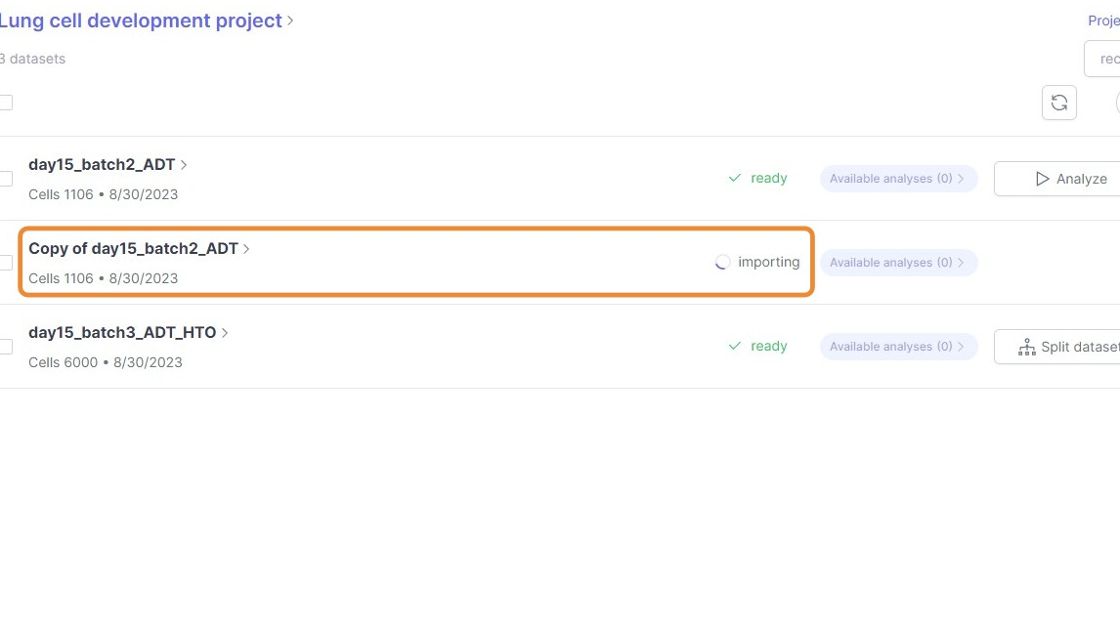
5\. Click here.
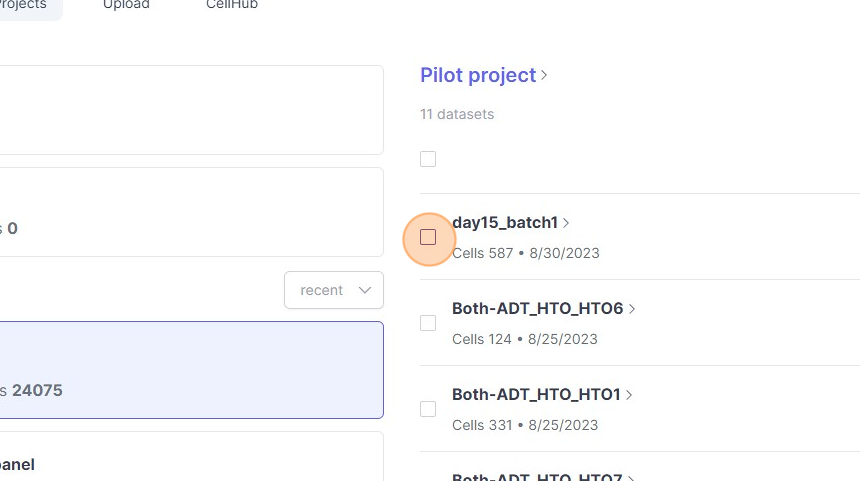
6\. Click this checkbox.
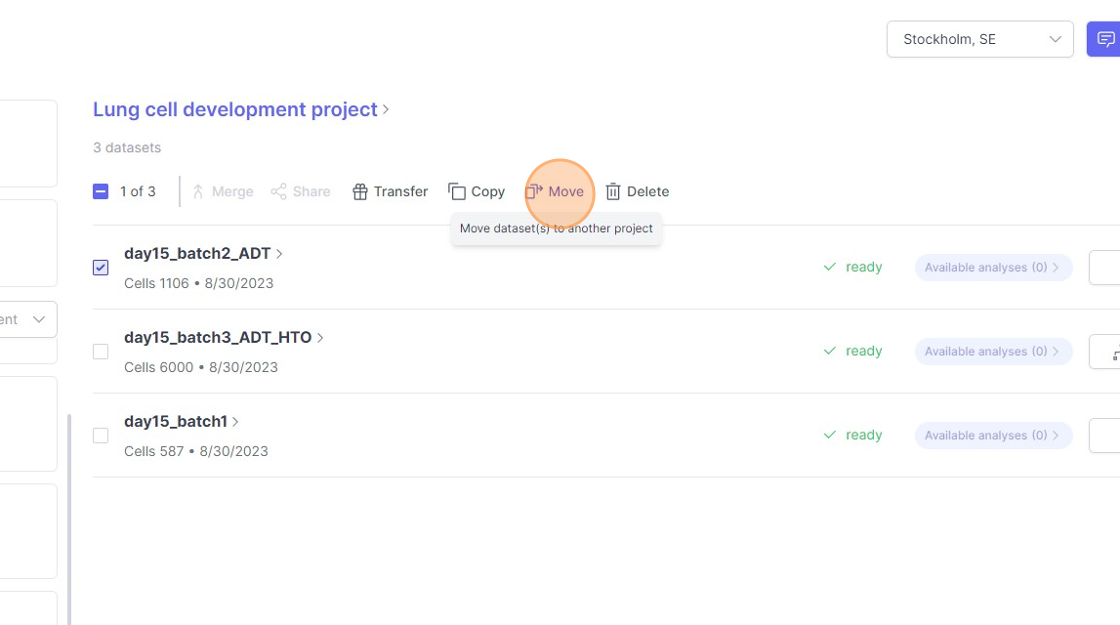
7\. Click "Move"
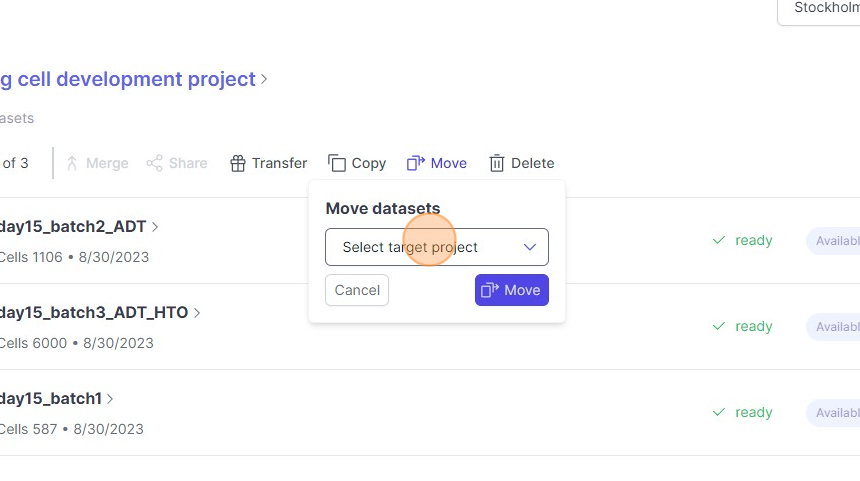
8\. Click "Select target project"
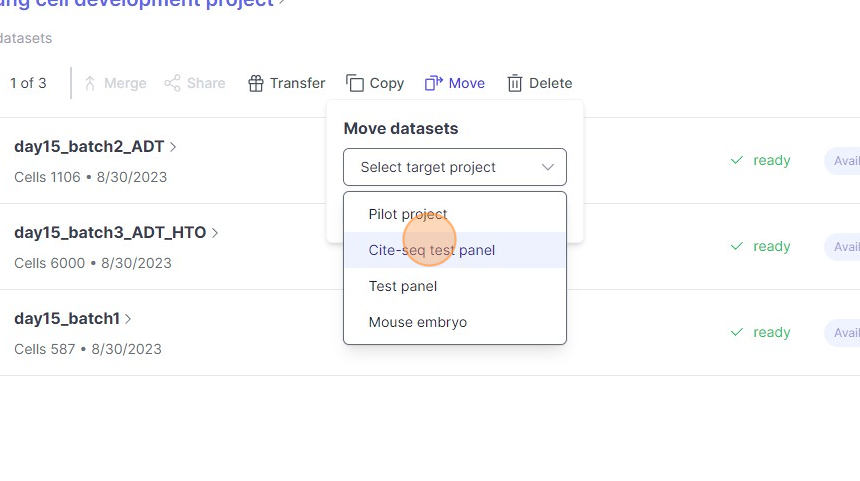
9\. Click "Cite-seq test panel"
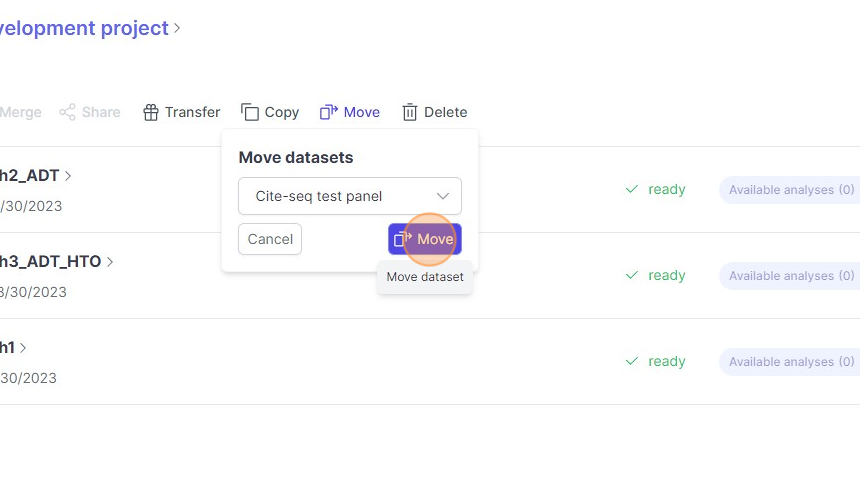
10\. Click "Move"
11\. Step
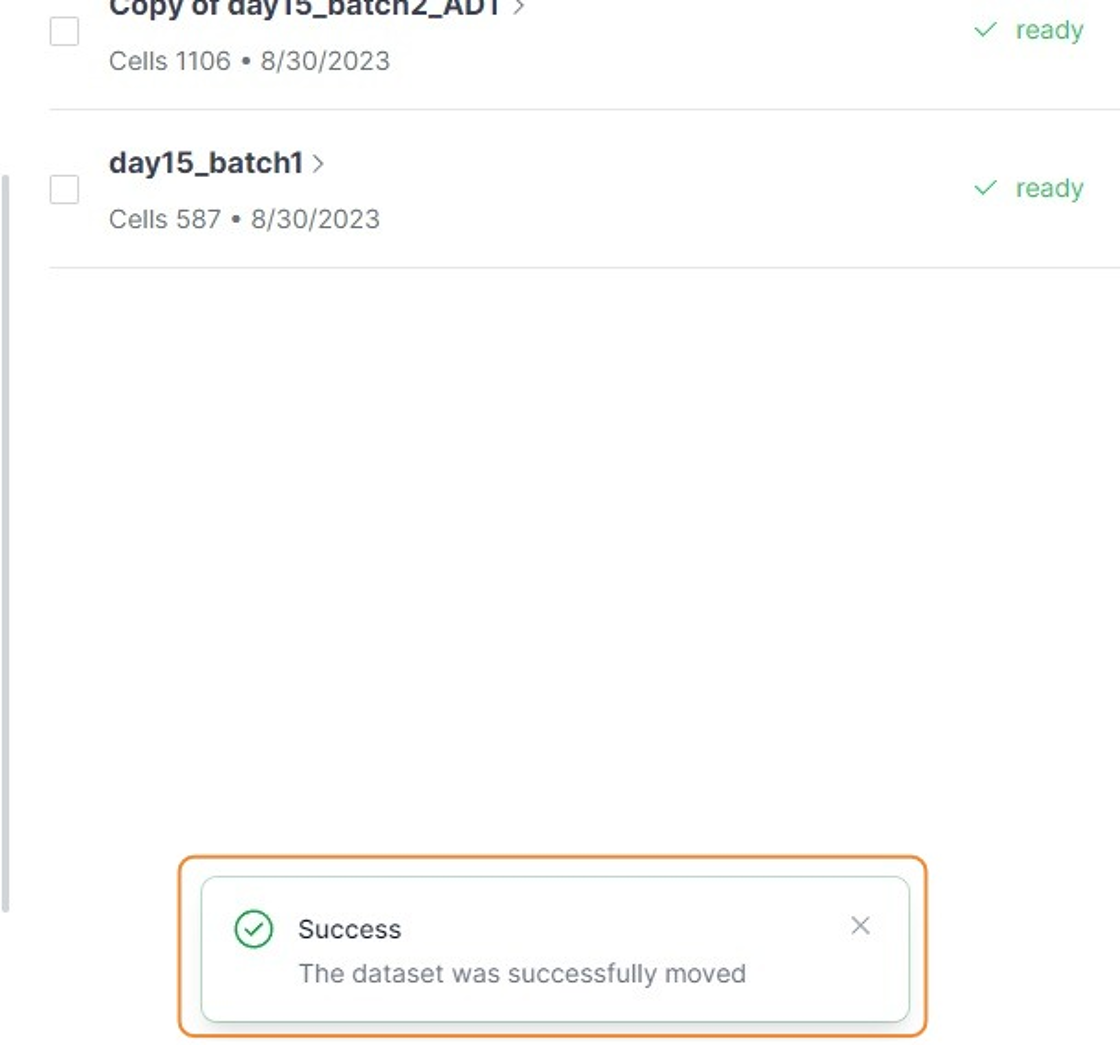
12\. Step
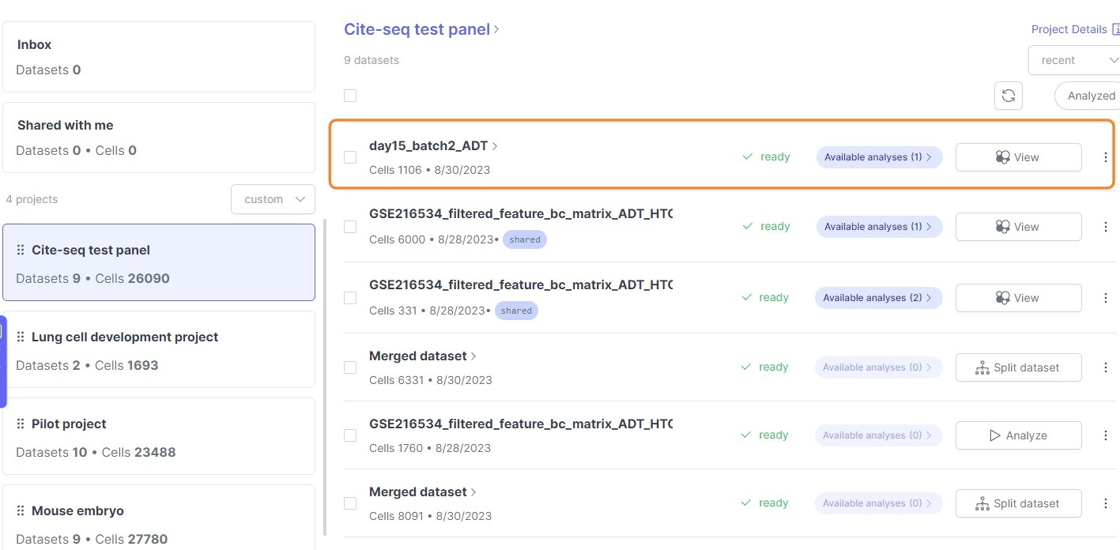
Merging datasets
1\. Click "Merge"
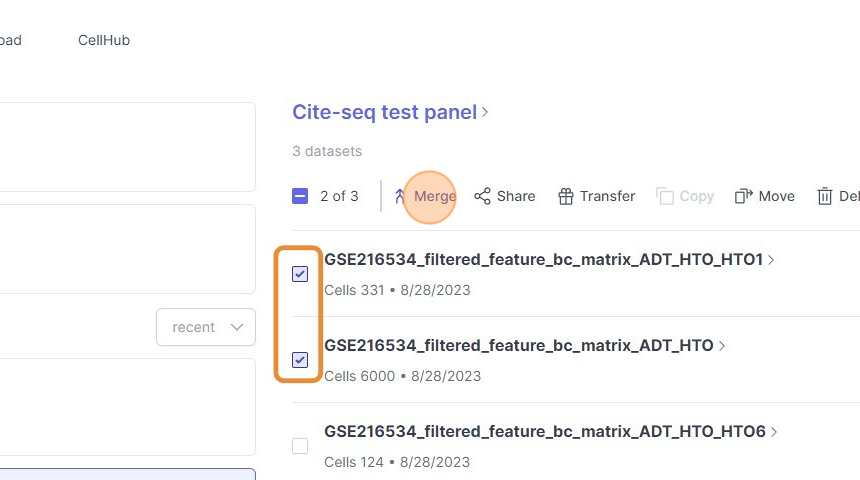
2\. Click "GSE216534_filtered_feature_bc_matrix_ADT_HTO_HTO8"
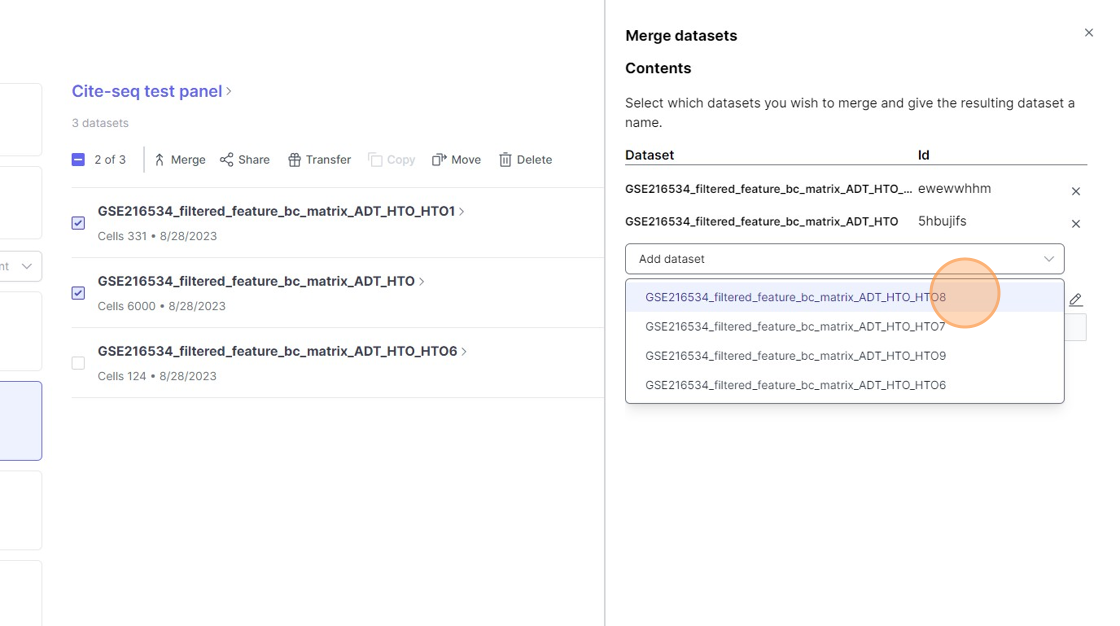
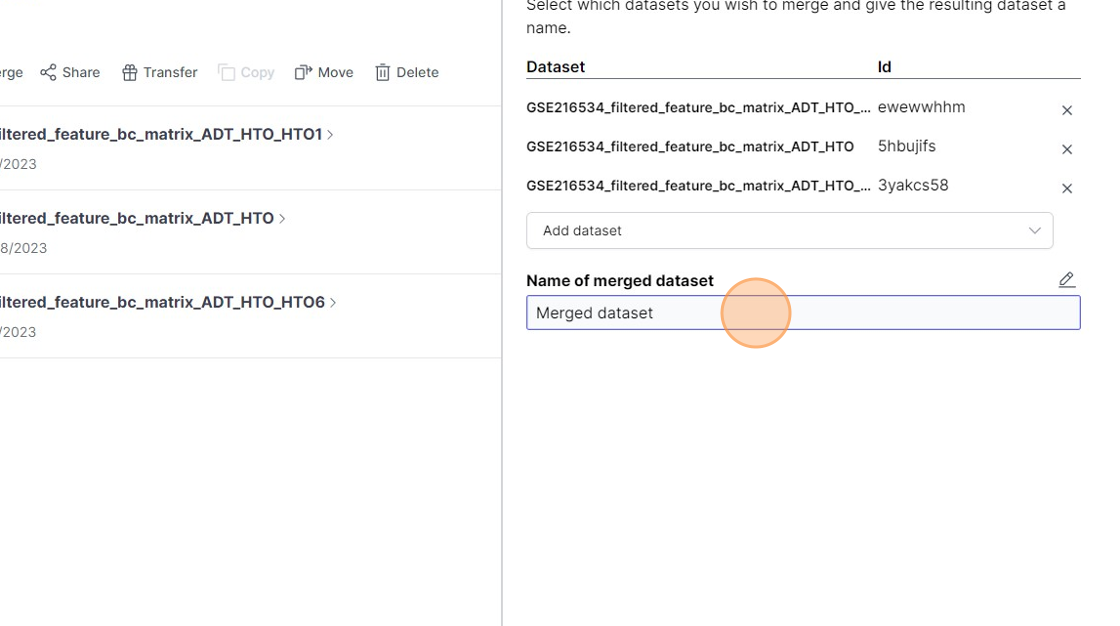
3\. Click this text field.
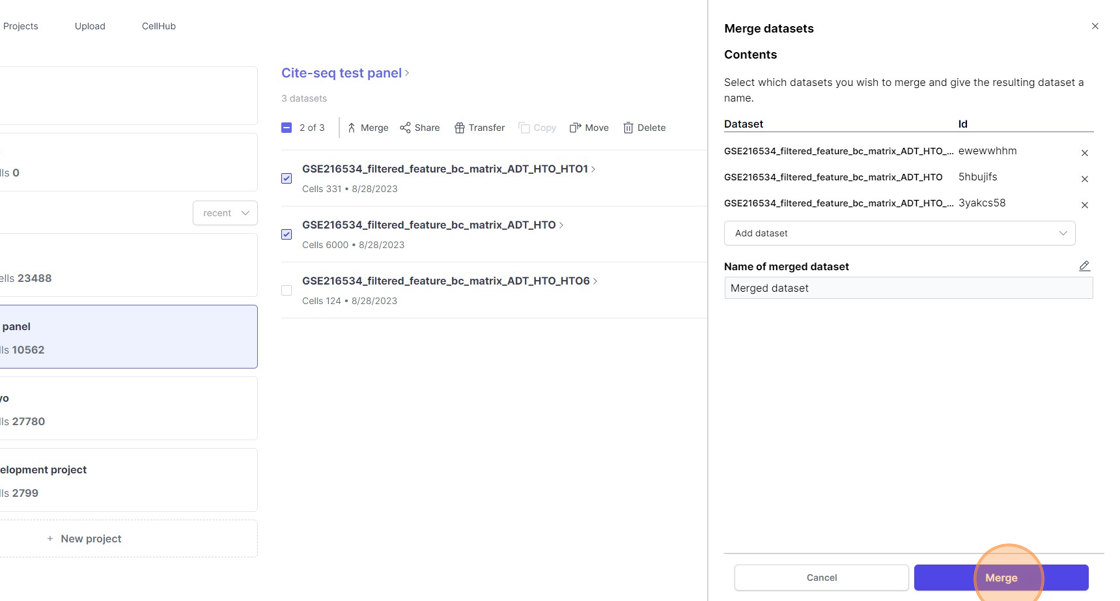
4\. Click "Merge"
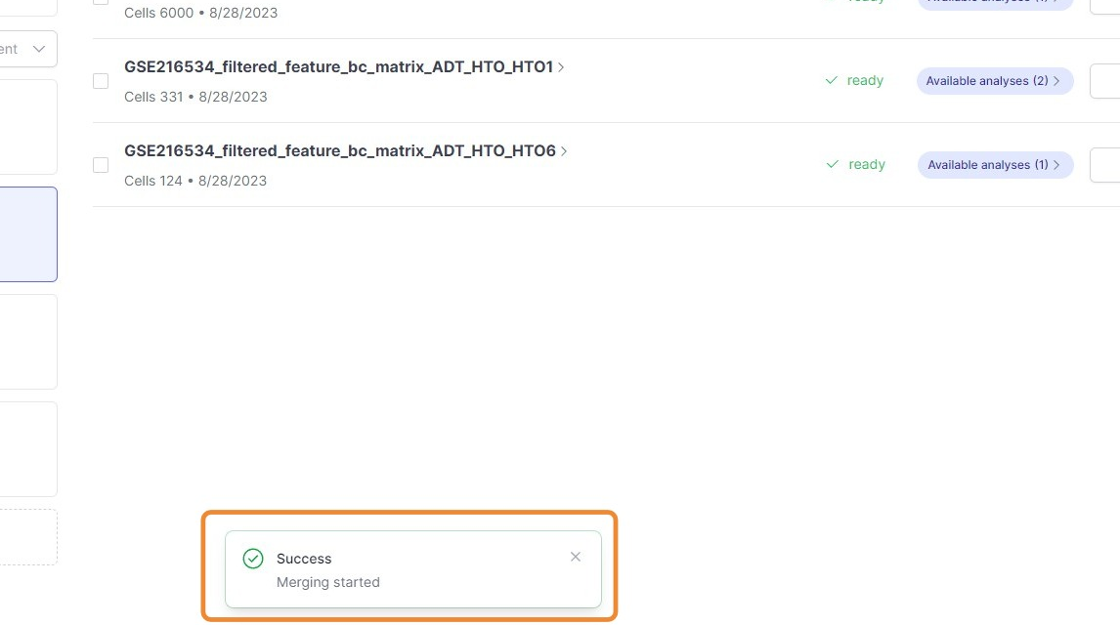
5\. Click "Merging started"
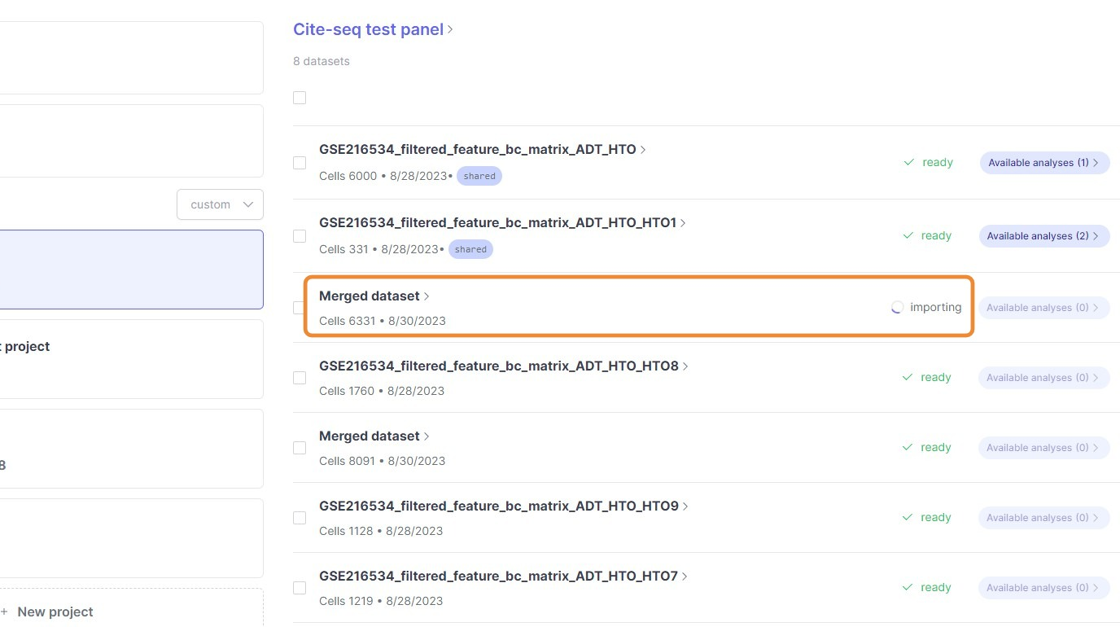
6\. Click here.
Multiple analyses on same data
1\. Click here.
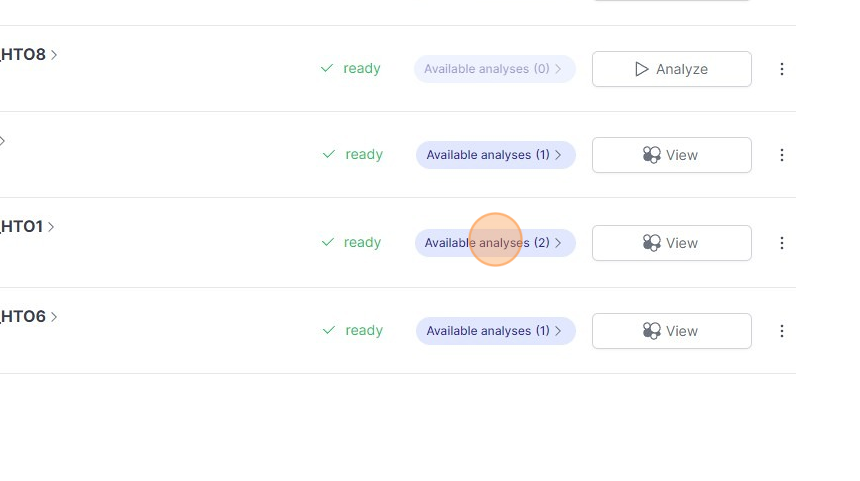
2\. Click this icon.
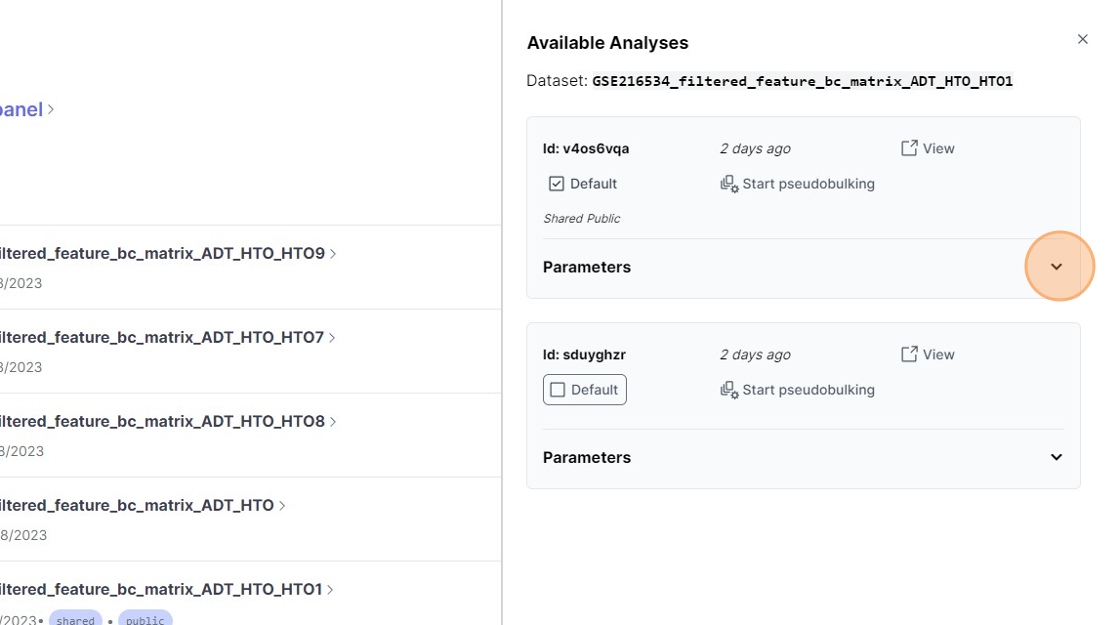
3\. Click this icon.
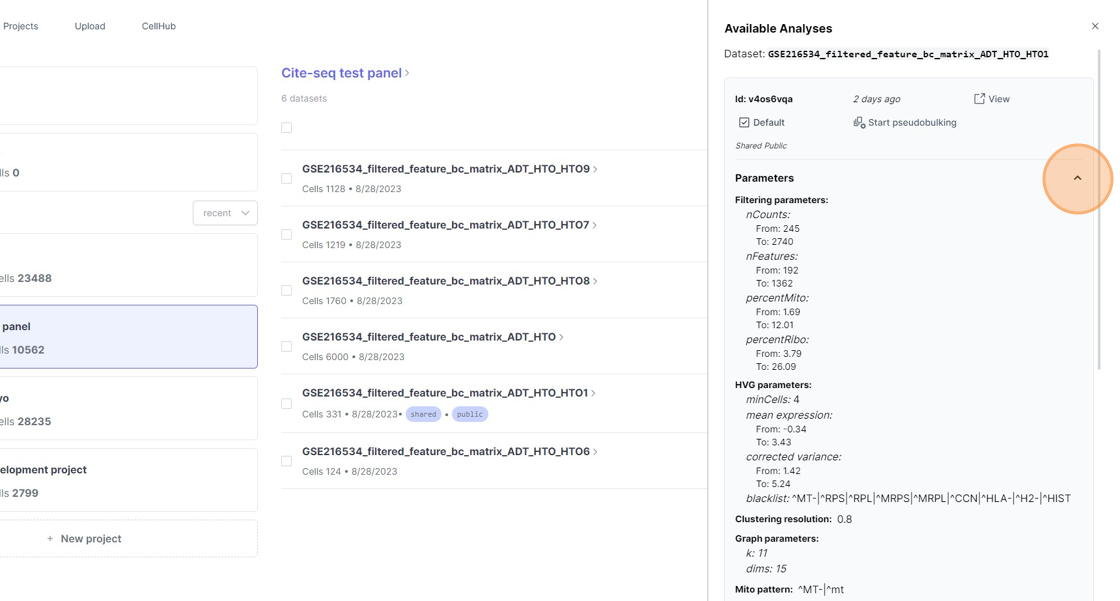
4\. Click this icon.
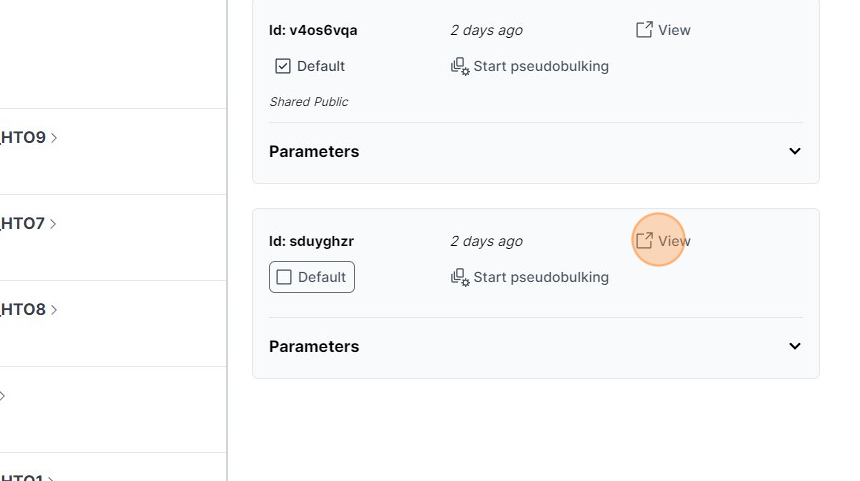
5\. Click this icon.
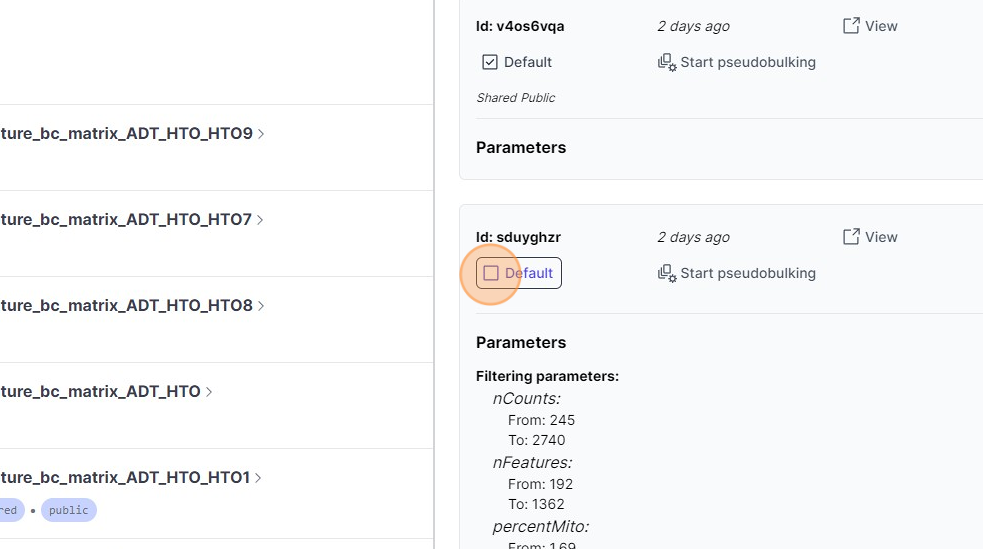
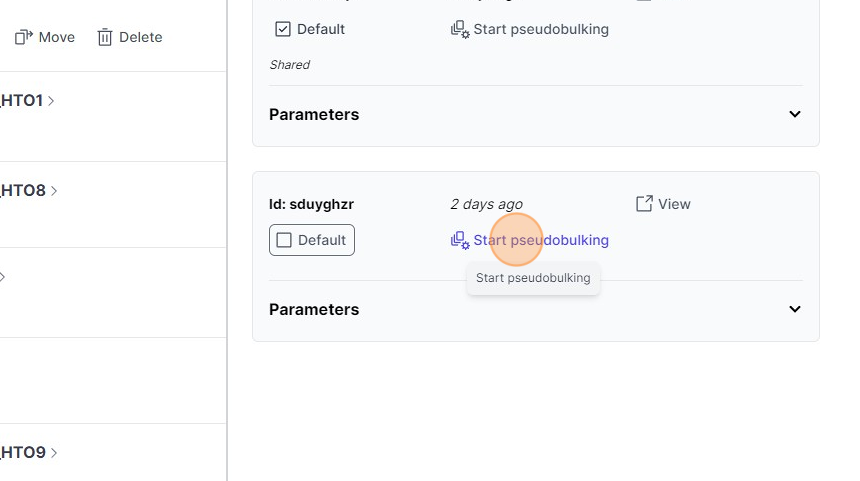
6\. Click "Start pseudobulking"
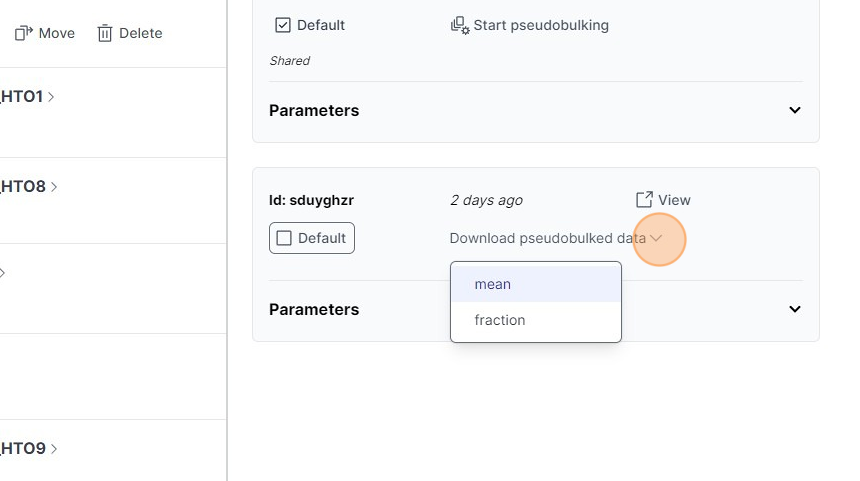
7\. Click "mean"