sadfsadfsaf
Data Sharing
Heading
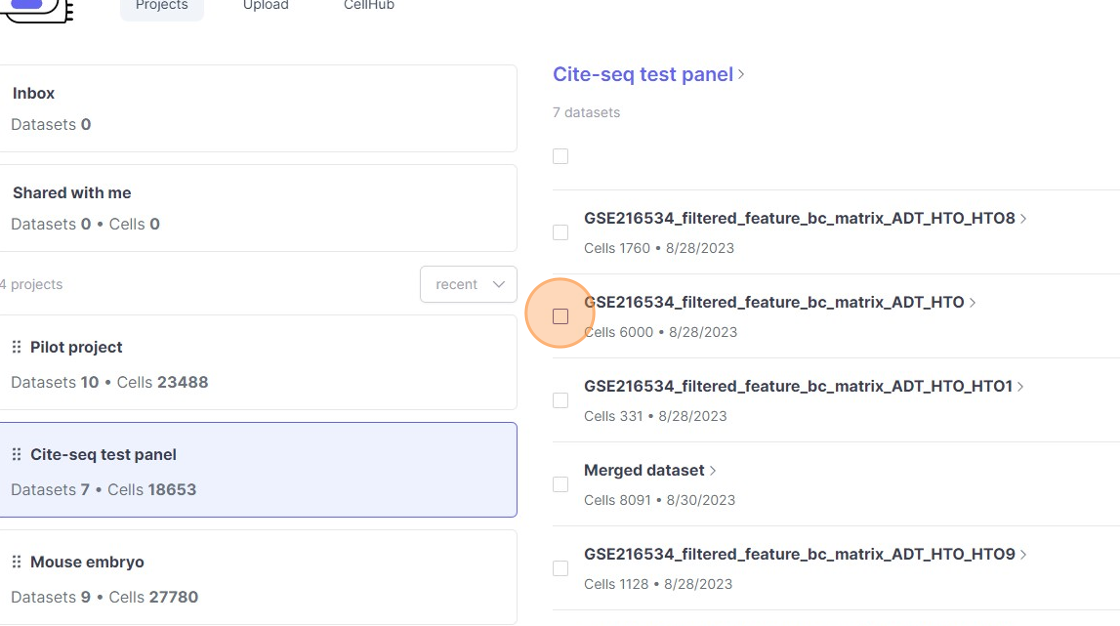
1\. Click this checkbox.
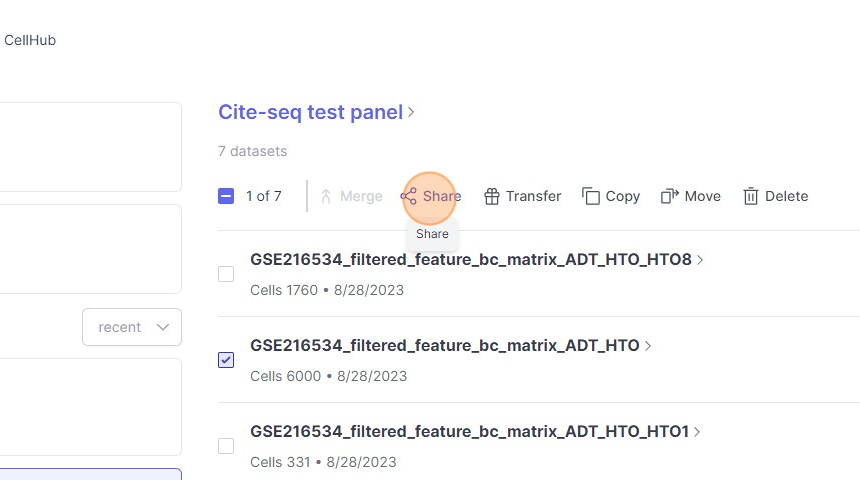
2\. Click "Share"
3\. Click the "person@university.com" field.
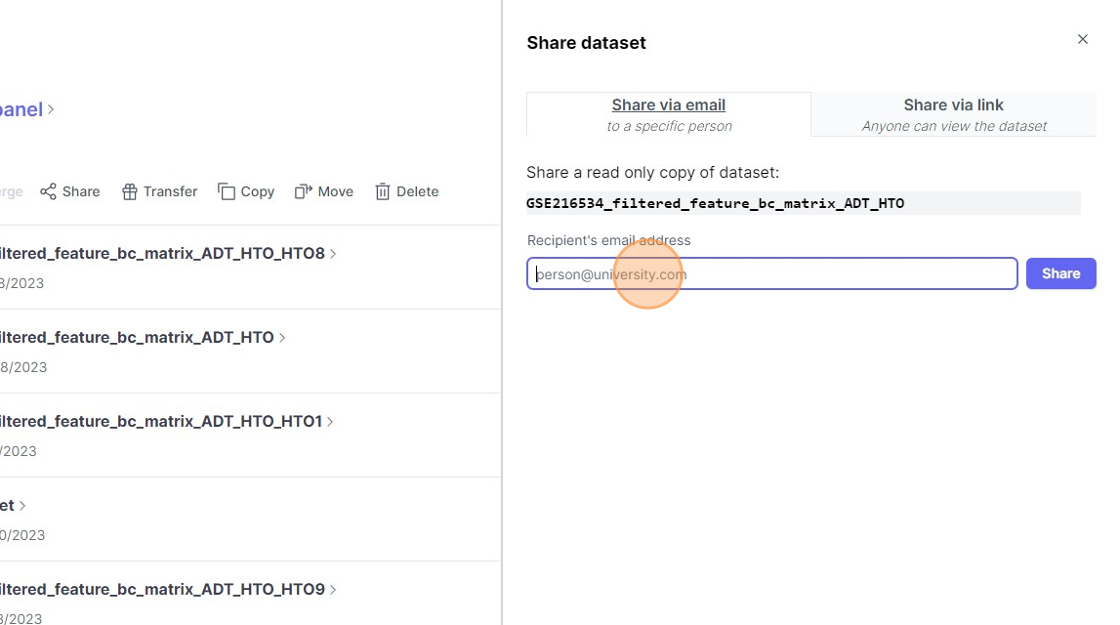
4\. Click "Share"
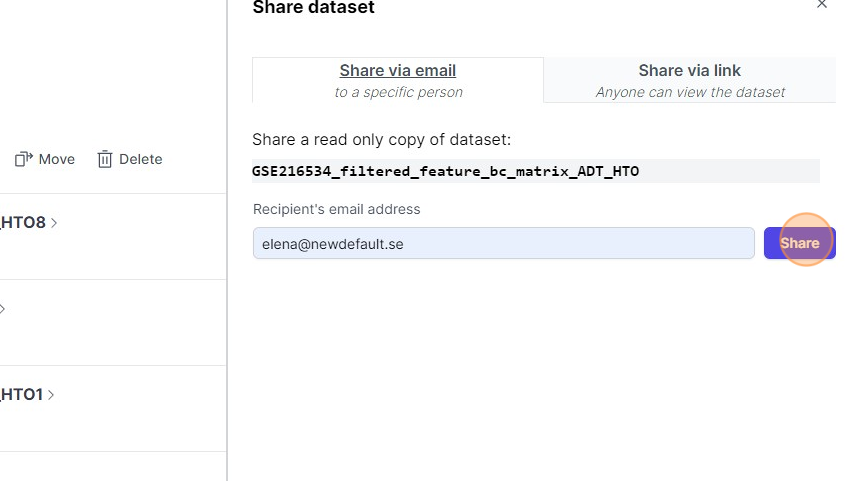
5\. Click "shared"
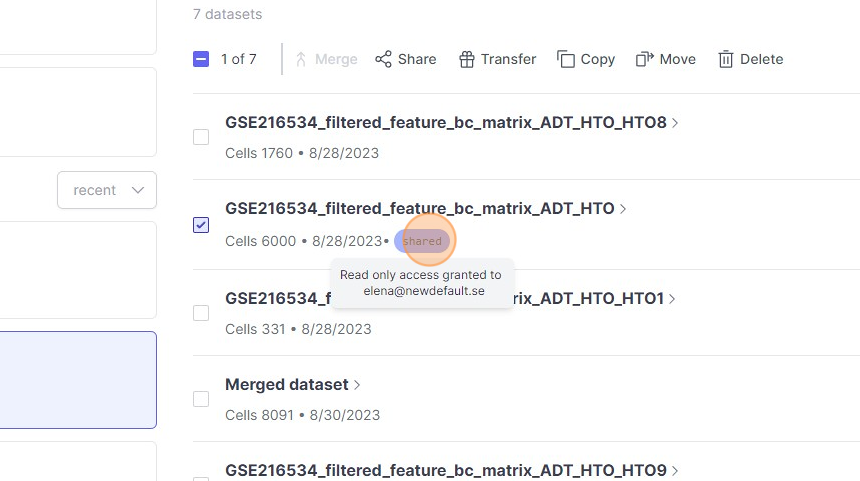
6\. Click here.
7\. Click "Share"
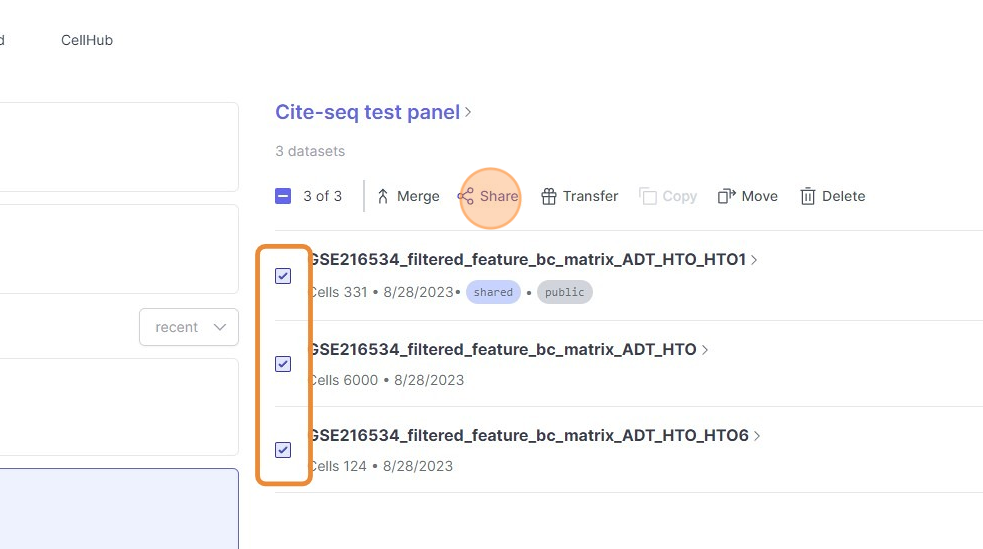
8\. Click the "person@university.com" field.
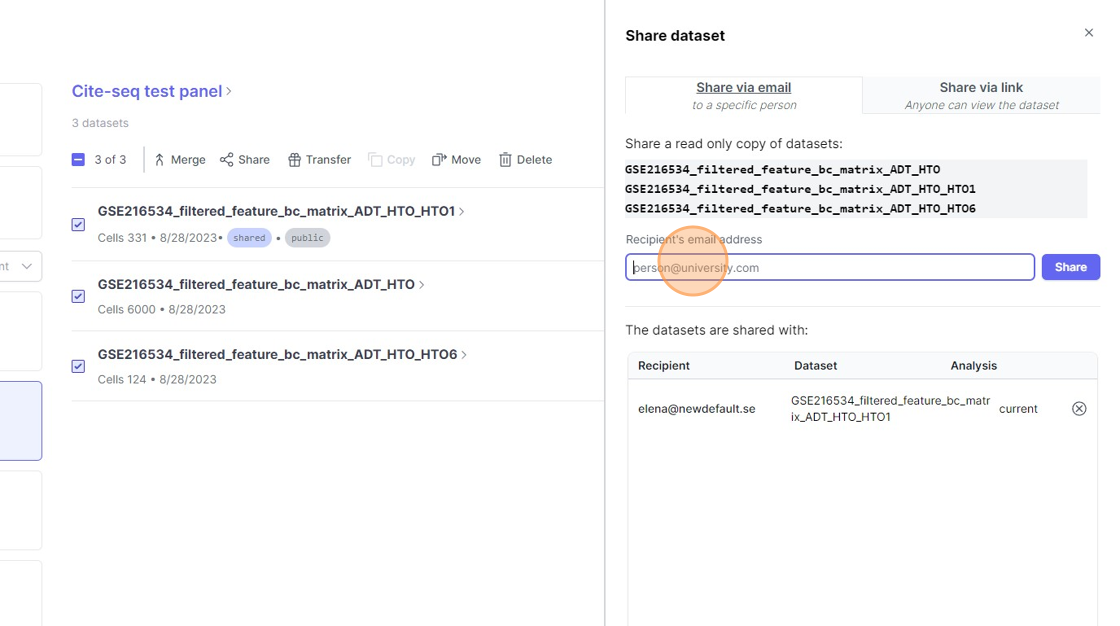
9\. Click "Share"
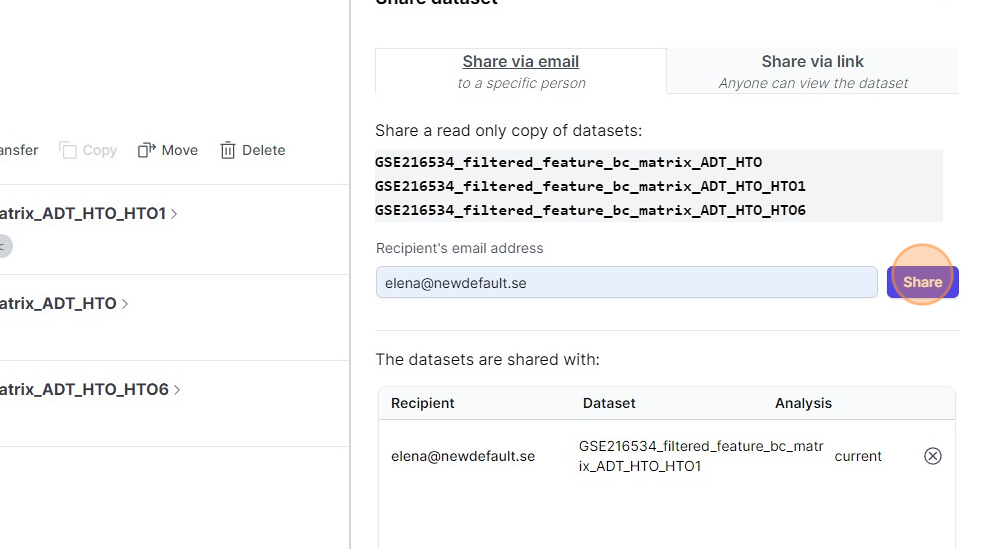
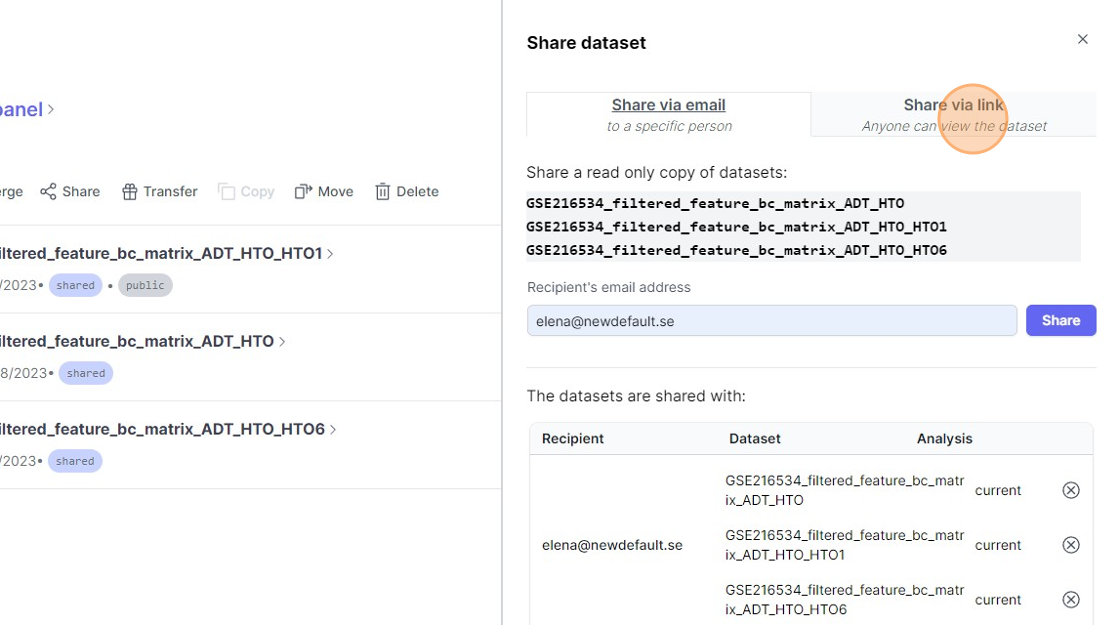
10\. Click "Anyone can view the dataset"
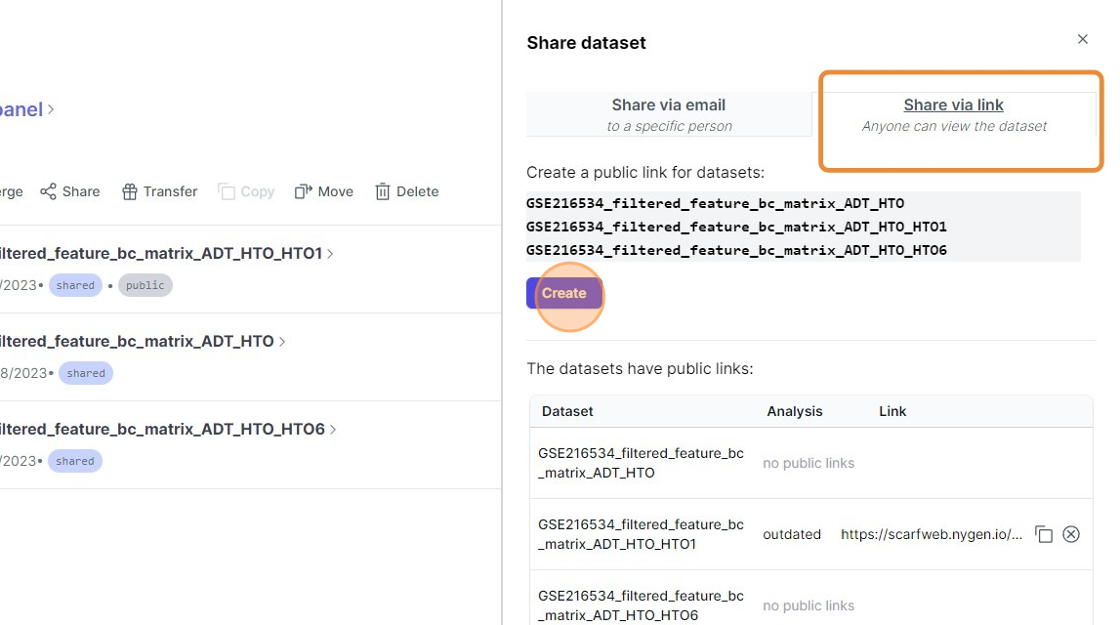
11\. Click "Create"
12\. Click here.
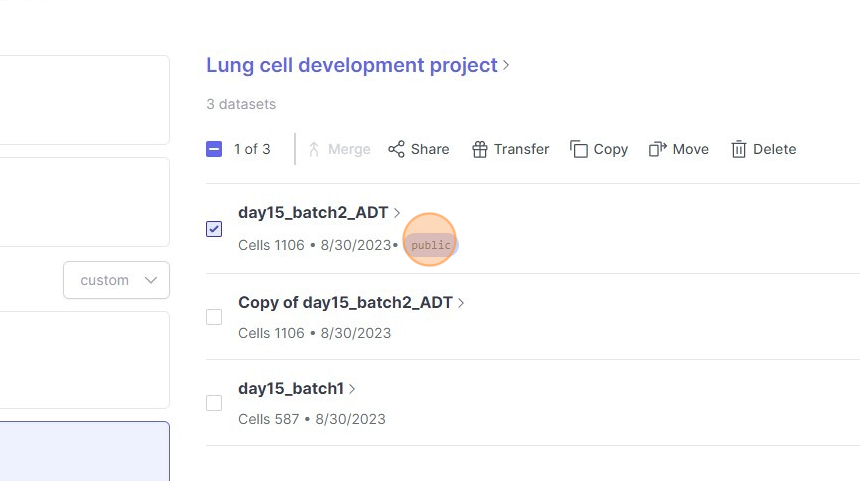
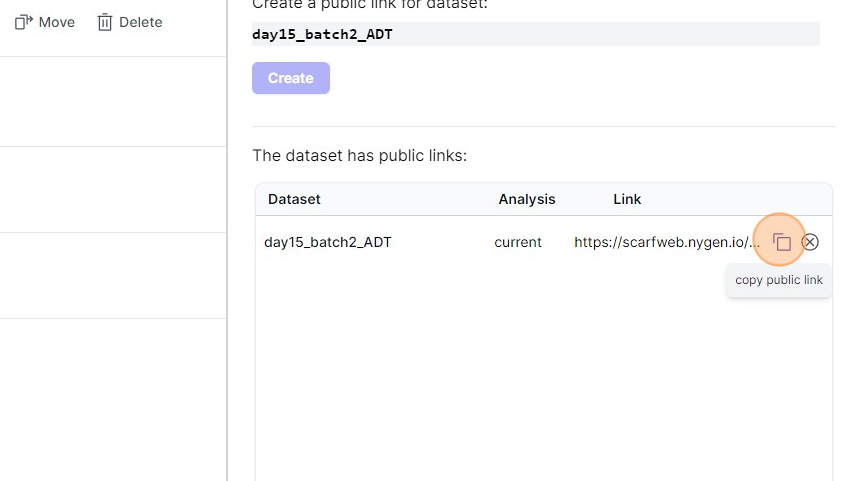
13\. Click this icon.
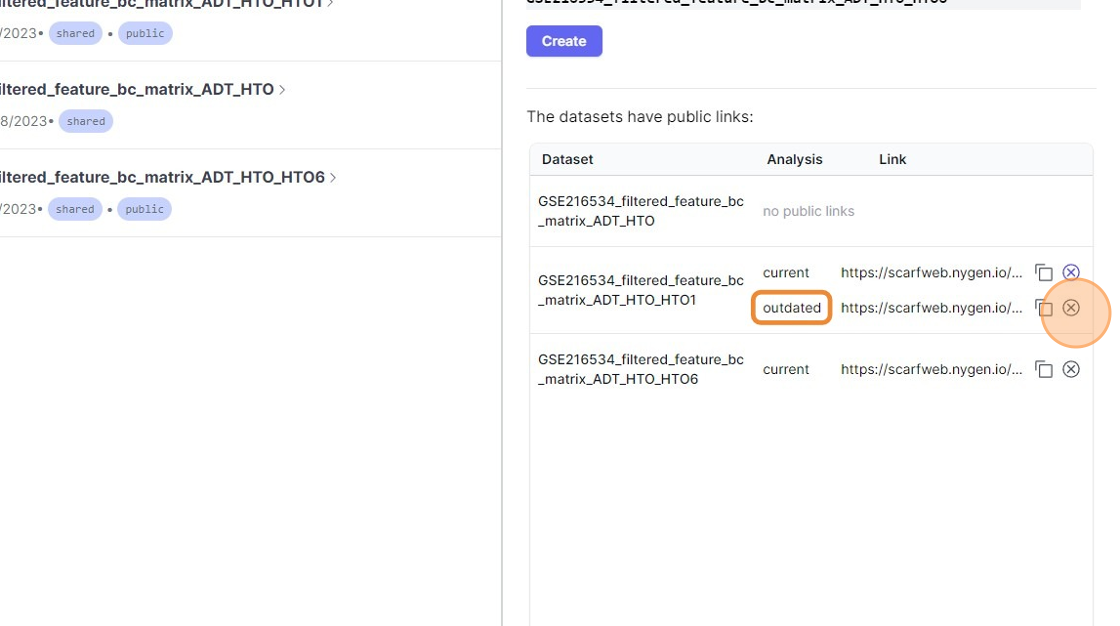
14\. Click "https://scarfweb.nygen.io/eu-north-1/public/iva9v9wy"
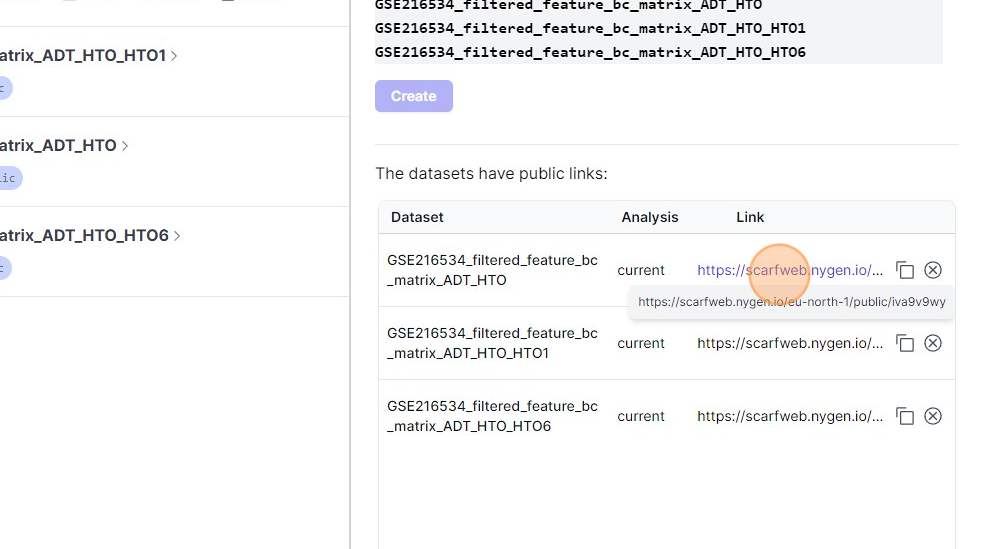
15\. Click this icon.